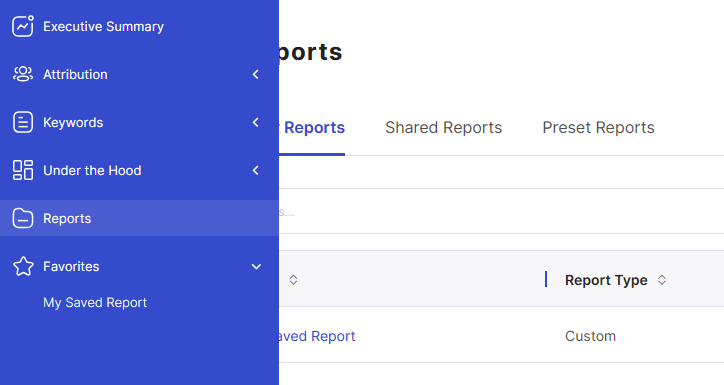
Saved Reports
You can save your preferred report layout by clicking on the “Save Report” button in the upper right above the report table.
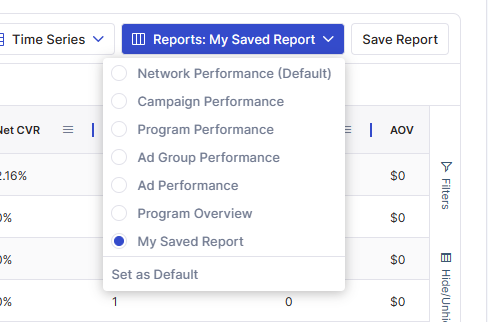
Once you do this, your saved report will become available under the report's dropdown. you can also set this report to be your default
From the reports menu, you can manage and share all of your custom reports.
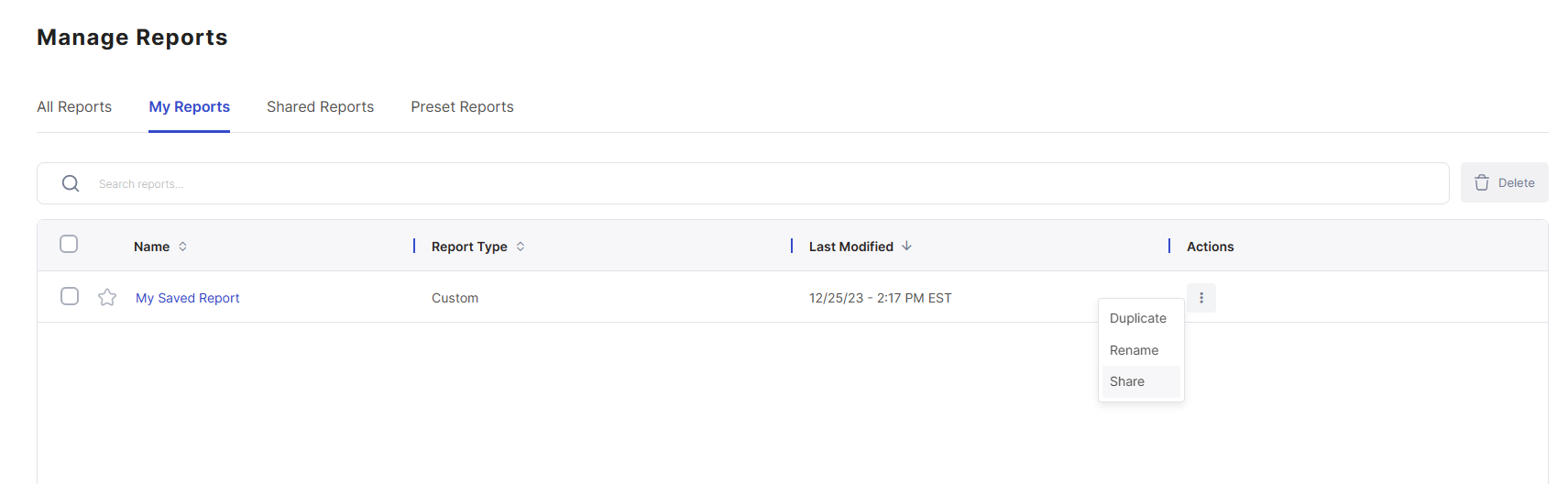
By favoriting (clicking the star) a report, the report will become available to you in the main menu.