Shared Reports
Have a great layout you want to share with the team?
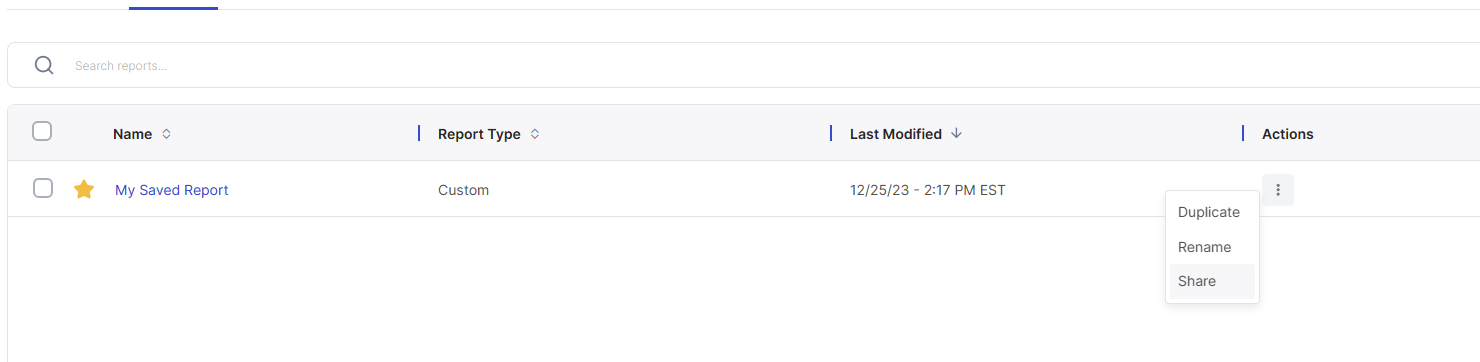
Go to the reports section and click share report.
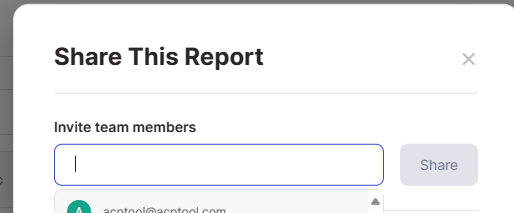
The invite team members dropdown lists all the active user emails that have access to your site.
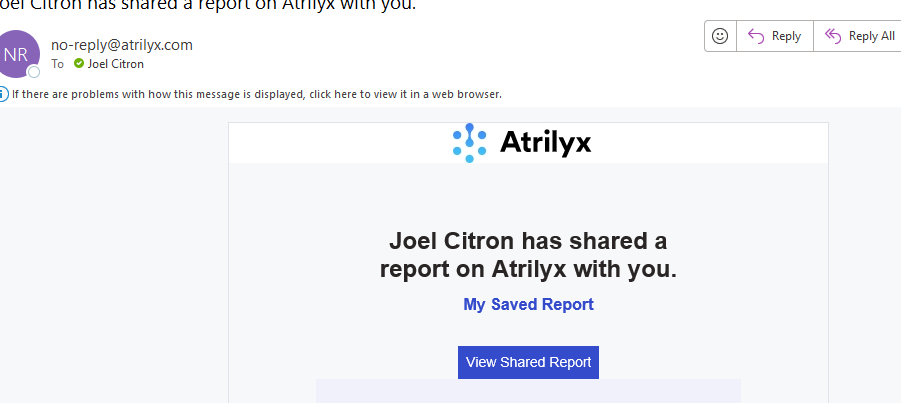
Once the report is shared, the selected team member(s) will receive an email with a link to VIEW or DOWNLOAD the shared report.